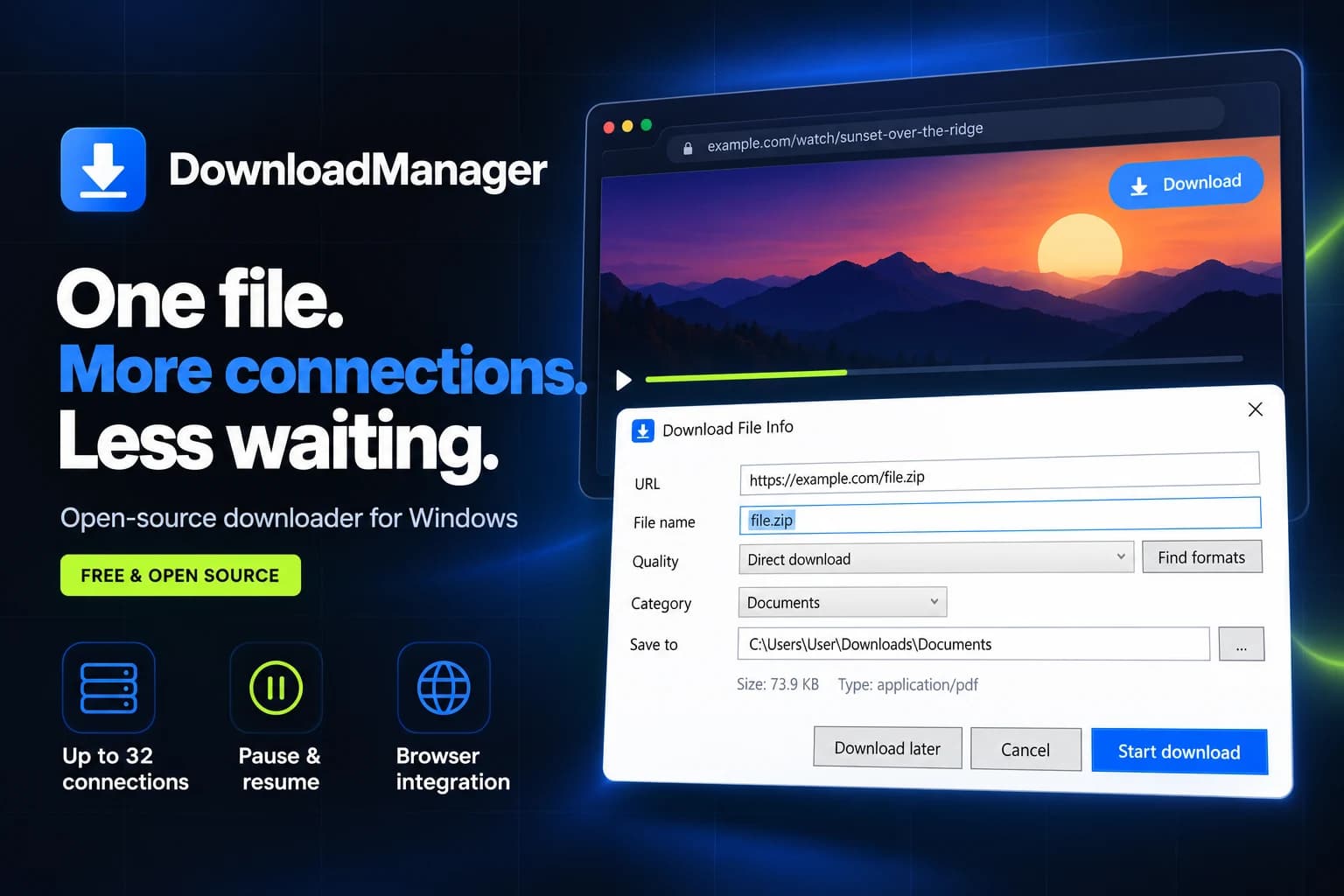
DownloadManager — Multi-Connection Windows Downloader
An independent, open-source download manager for Windows, built with C# and .NET 8 WPF. A segmented download engine uses up to 32 connections per file, preserves progress across restarts, and works with a browser extension to capture files and videos. HLS support, yt-dlp integration, and FFmpeg remuxing bring direct downloads and streaming media into one desktop workflow.
↓Project Overview
DownloadManager brings file transfers out of the browser and into a dedicated Windows application. It combines parallel connections, resumable downloads, speed controls, and browser video capture in an MIT-licensed project.
The project has three cooperating parts: a UI-independent download engine, a WPF desktop application, and a browser extension connected through a native messaging host. This keeps network logic separate from the interface and browser integration.
⚡Multi-Connection Download Engine
The core engine divides a file into byte ranges and downloads them concurrently using up to 32 connections per download. Dynamic segment splitting lets an available connection take over part of a remaining segment.
- Segment progress is saved so paused downloads can resume after an app restart.
- HTTP If-Range validation detects changed remote files and restarts the transfer when needed.
- Servers that refuse range requests fall back to a single connection.
- Retries use back-off, with global and per-download speed limits.
Transfer speed depends on the server, network, and support for range requests; the connection count is a configurable capability, not a guaranteed speed multiplier.
🌐Browser-to-Desktop Integration
The Manifest V3 extension captures downloads by file type, detects video and audio in each tab, and adds an in-page Download button. Users can also start a transfer through the toolbar popup or context menu.
The native host relays length-prefixed JSON messages from the browser to the desktop application. Background connections leave downloads with the browser when the app is closed; an explicit download action can launch the application. Alt+click provides a bypass when a user wants the browser to handle the file.
🎬HLS, DASH & Video Downloads
A built-in HLS engine reads master playlists, exposes available quality options, and downloads media segments in parallel with per-segment pause and resume.
- Supports AES-128 HLS, fMP4 initialization sections, and byte-range segments.
- Handles separate audio renditions and remuxes downloaded media to MP4 with FFmpeg.
- Uses yt-dlp for DASH and supported site pages, with best-quality, resolution, and audio-only choices.
Live streams and DRM-protected content are outside the supported workflow. Video availability depends on the source and the formats it exposes.
🖥️Native Windows Experience
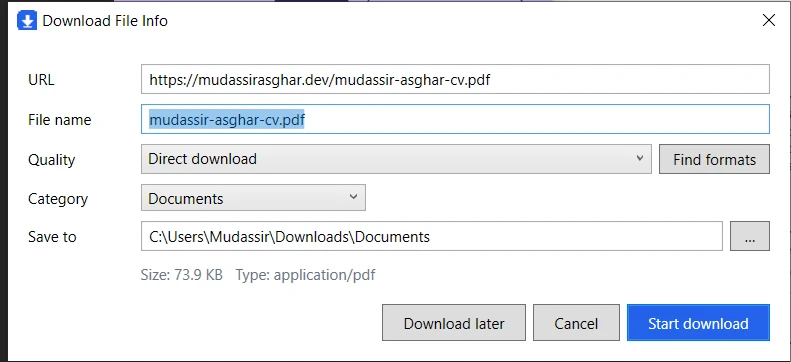
The Download File Info dialog puts the URL, file name, quality, category, and save location in one place. Categories map to folders, while a tray icon keeps the app accessible when its main window is closed.
Self-contained installers target Windows 10/11 on x64 and Windows 11 on ARM64. They install per user without administrator rights and include .NET, FFmpeg, and yt-dlp.
↗Product Website
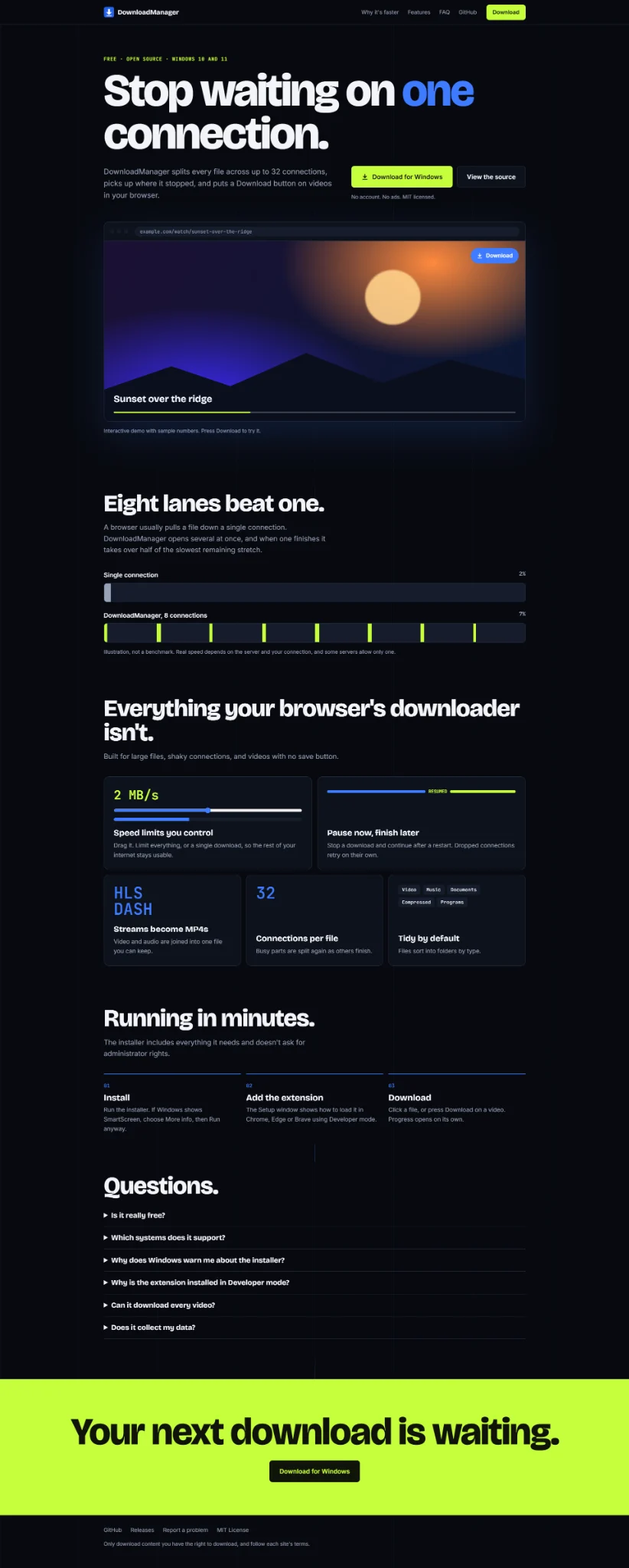
The companion landing page introduces the product with a dark interface, electric-blue accents, and lime download actions. A browser video demo and connection comparison explain the workflow, followed by feature cards, setup steps, and common questions.
📦Source & Releases
DownloadManager is independently developed and released under the MIT license. The repository includes the core engine, WPF app, native host, extension, installer scripts, and engine tests against a local socket server.

Got an idea worth building?Let's talk it through
I'm taking on freelance projects and open to full-time roles.
Tell me what you're working on.